
How it works

One workflow, from enquiry to close.

POM follows the natural shape of a trip. Each step builds on the last, on the same file, so information is entered once and flows everywhere it's needed.

Step 1 · Open a file

Start a Program Travel File.

Create a PTF for the client and set the travel dates. POM assigns the next file number, scaffolds the days of the trip, and drops in your reusable trip lines automatically, so you're never starting from a blank page.
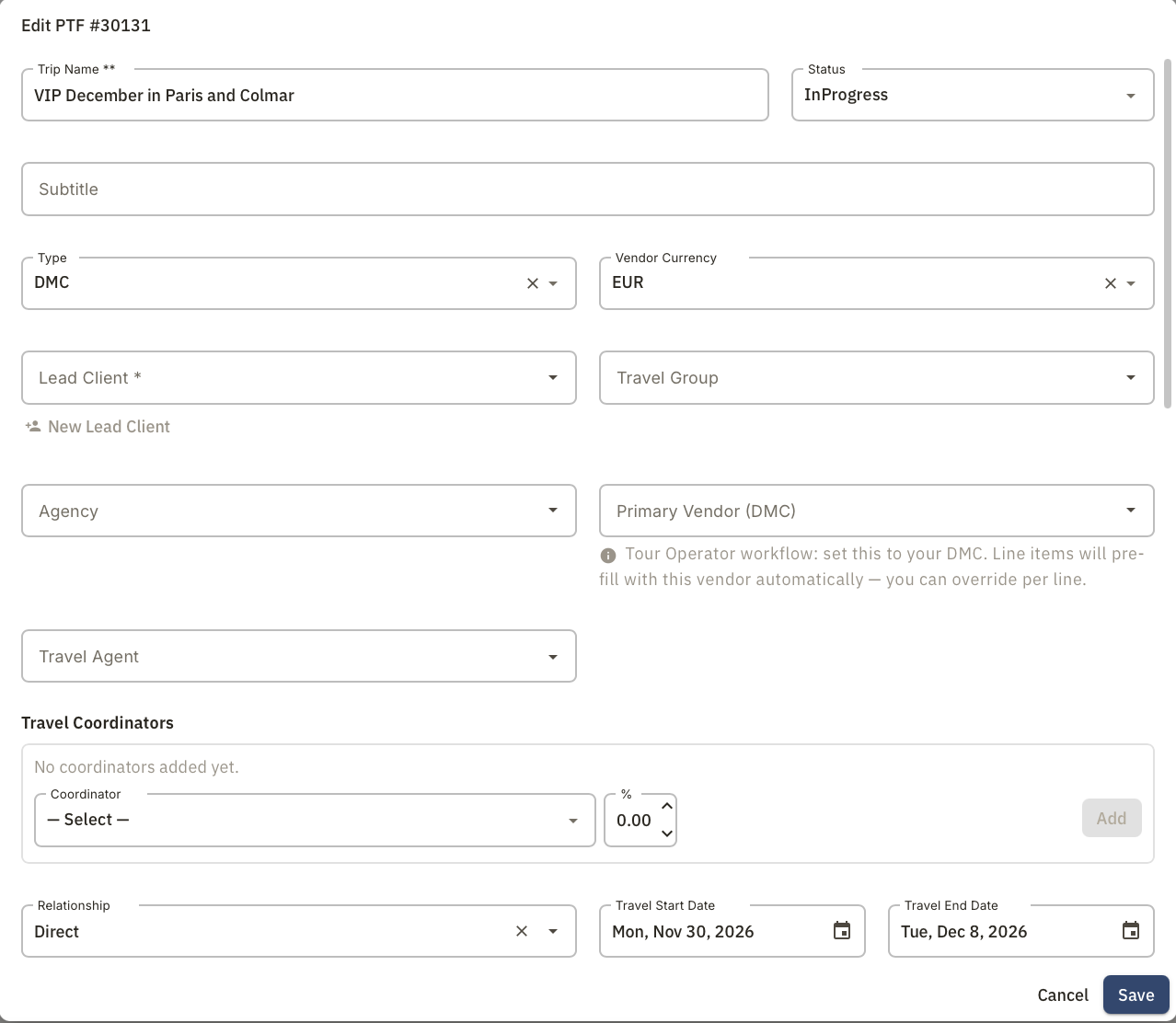
  • Automatic PTF numbering and status tracking
  • Lead client and guest counts set up front
  • Trip lines and "What's Included" seeded from your settings
Creating a new Program Travel File in POM
Step 2 · Build the trip

Compose the days, drag to arrange.

Add vendors, rooms, and activities to each day with a drag-and-drop planner. Pull from your directory so details, contacts, and photos come along automatically.
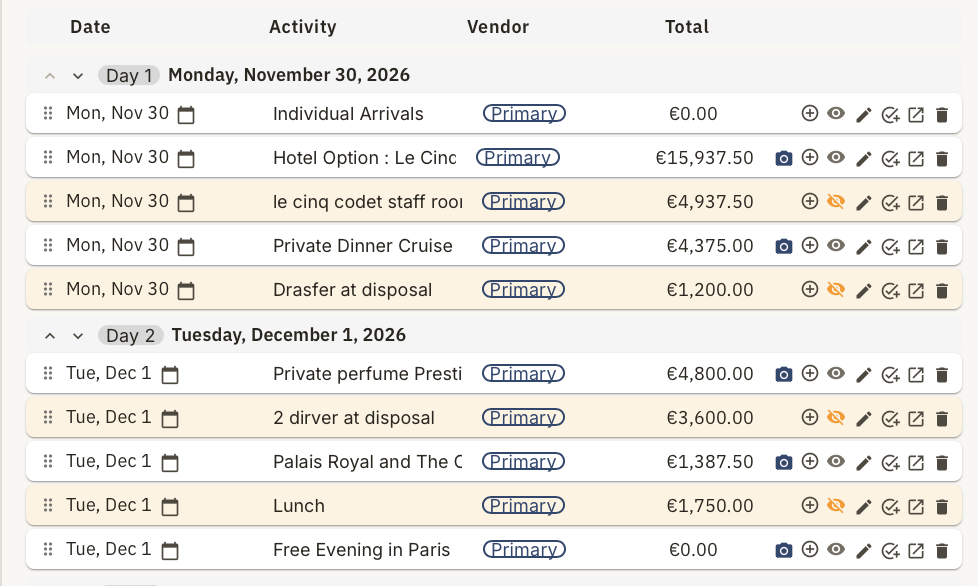
  • Day-by-day drag-and-drop builder
  • Rooms and room-level guest assignment
  • Vendors and bookable items pulled from your directory
Day-by-day drag-and-drop trip builder in POM
Step 3 · Price it

Margin, calculated as you go.

As lines go on the file, POM applies your commission rules, sales tax, and card fees, and gives you a visual of your margin as the trip takes shape. Split commissions across coordinators and handle foreign-exchange contracts where needed.
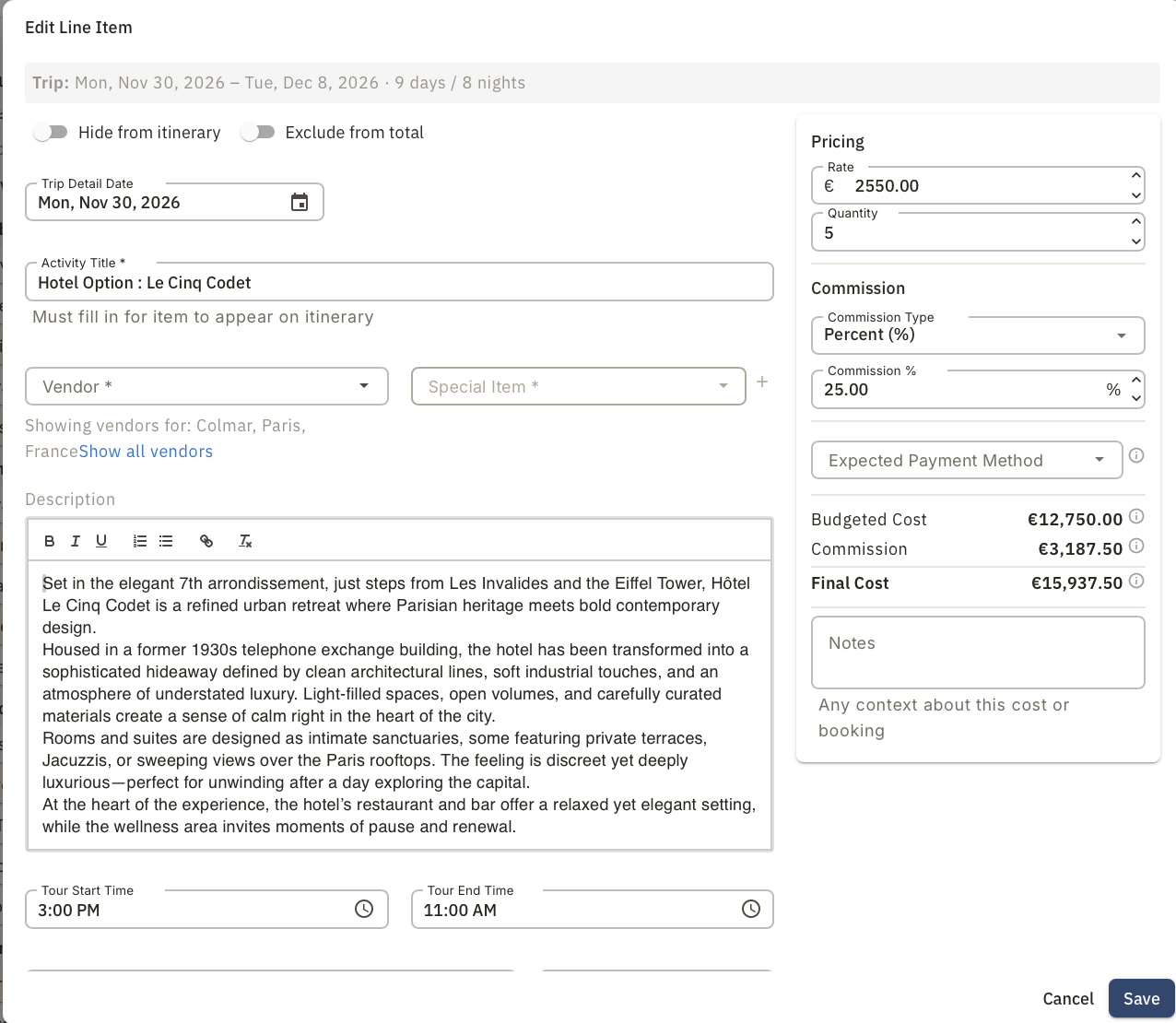
  • Automatic commissions, sales tax, and card fees
  • A live view of your profit as you build
  • Coordinator commission splits with partial payments
  • Foreign-exchange forward contracts for international payments
Live cost summary with commissions and margin in POM
Step 4 · Send the itinerary

Deliver a client-ready document.

One click turns the working file into a branded itinerary: photos, day-by-day detail, recommendations, and terms. Share it online or print it. No rebuilding in a separate document.
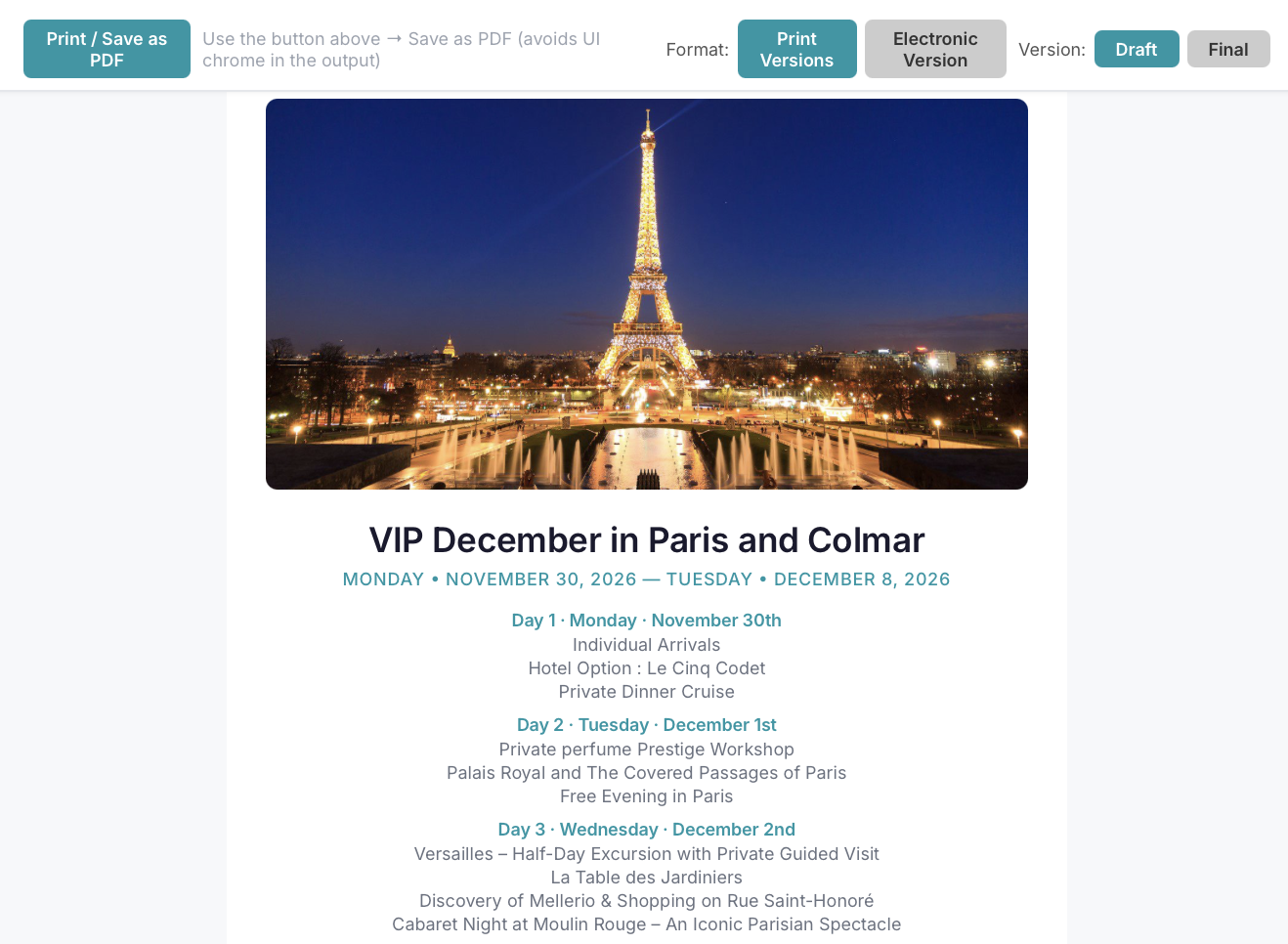
  • Branded layouts, with co-branding for partner trips
  • Recommendations, terms & conditions, and end notes
  • Print-ready and shareable electronic versions
Branded client-ready itinerary generated by POM
Step 5 · Manage & close

Follow through to a clean finish.

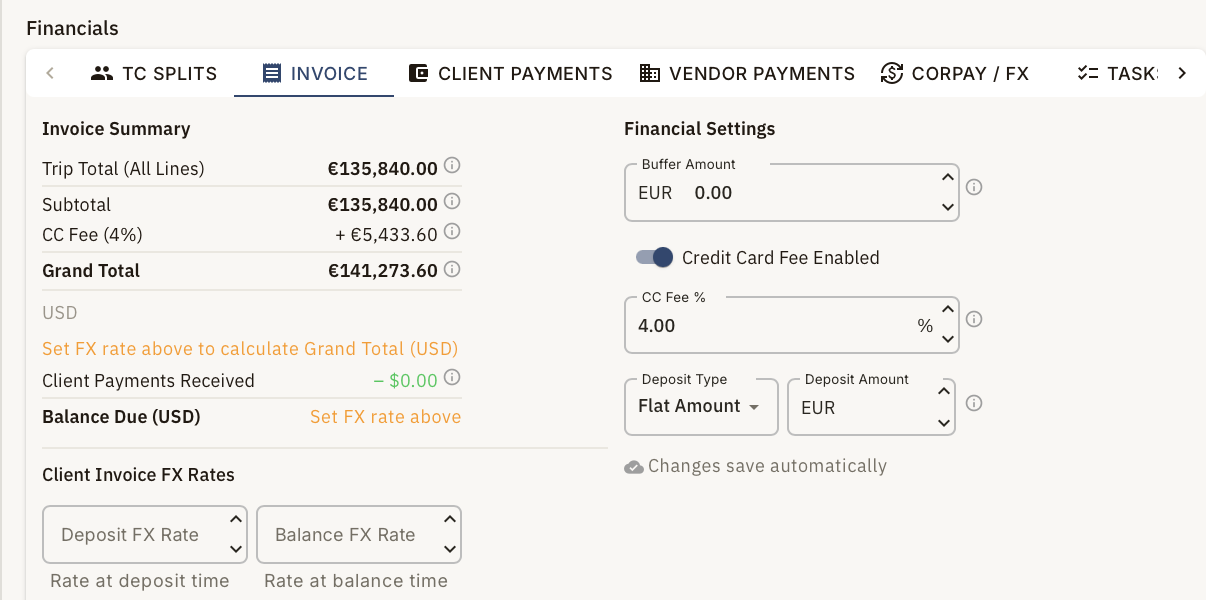
Automated reminders create the follow-ups the trip needs. Track client and vendor payments against the file, keep the team aligned with tasks and bulletins, and reconcile with confidence when the trip is done.
  • Automated reminder rules and activity calendars
  • Client and vendor payment tracking per file
  • Tasks, tags, and team bulletins
  • Reporting and a dashboard of what needs attention
Tasks, reminders, and payment tracking in POM

Ready to see the whole flow live?

We'll run through a trip end to end so you can picture it on your own programs.

Contact us